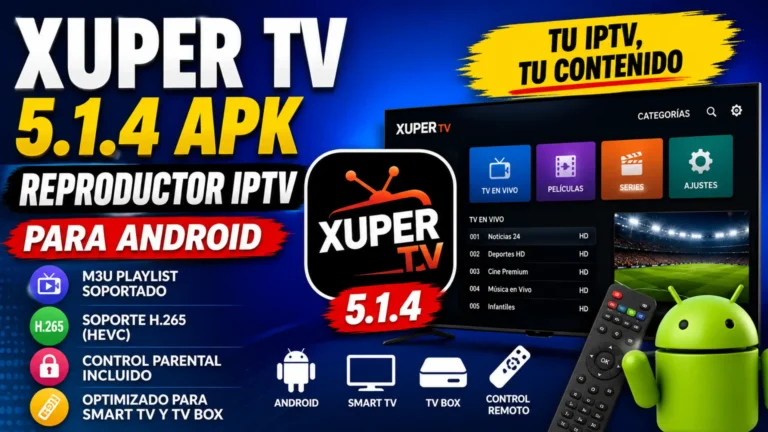
Xuper TV 5.1.4 APK Version Details: What’s New and How to Check the Latest Version
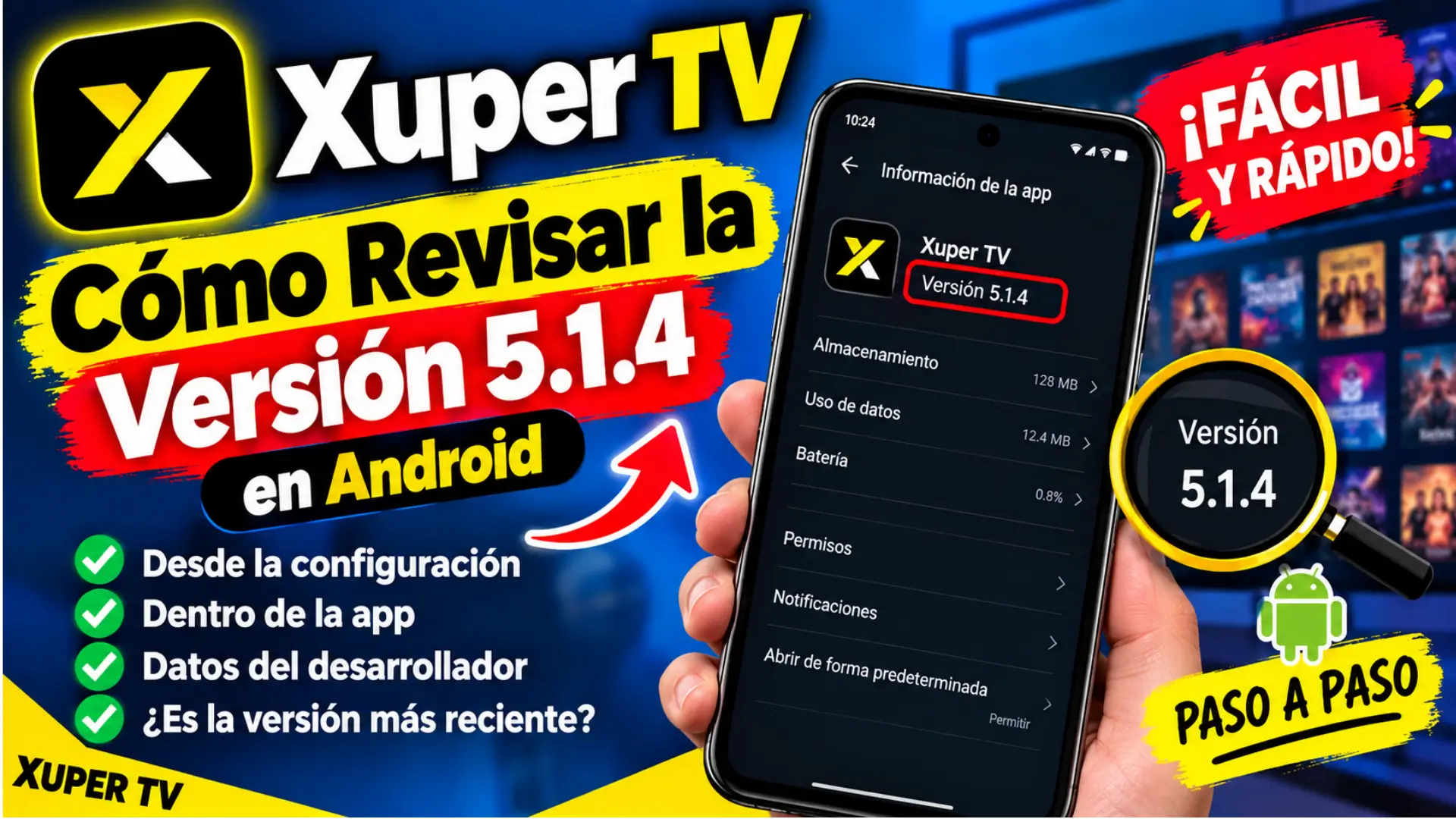
If you’re using Xuper TV and want to verify whether your installed app is version 5.1.4, checking the version details is an easy way to understand which build your device is currently running. It can also help you troubleshoot compatibility issues, compare the installed APK to another release, or decide if an update is available.
There’s an important point to understand first: The Xuper TV name is currently associated with multiple Android app listings and APK distributions. A Google Play listing describes Xuper TV as an entertainment discovery application for movies, TV series, actors, trailers, and trending content, while third-party APK sites list a separate Xuper TV 5.1.4 package.?
How to Check Xuper TV 5.1.4 on Android
The easiest way is through your Android device’s application settings. Android typically displays the version information for an installed application on its App Information page, although the exact menu names may vary between manufacturers.
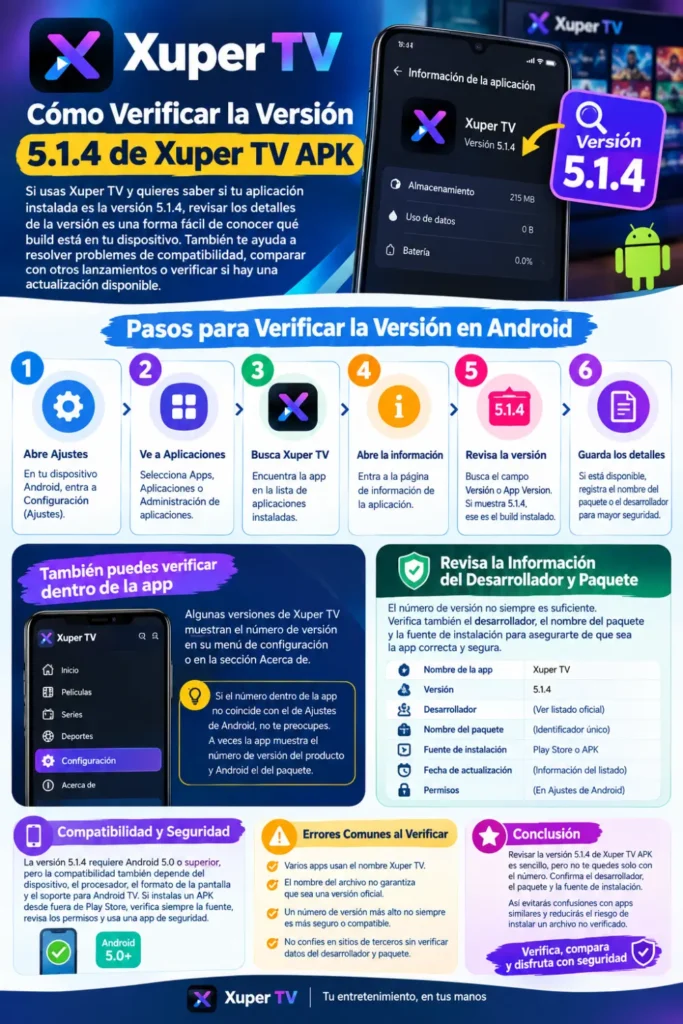
Start by opening Settings, then enter Apps, Applications, or App Management. Find Xuper TV and open its information page. Look for a field called Version, App Version, or something similar. If the value shown is 5.1.4, this confirms that the installed application reports itself as this version.
Steps to follow
- Open Settings on your Android device.
- Select Apps or Applications.
- Find Xuper TV in the installed-app list.
- Open the application’s information page.
- Locate the Version field.
- Check whether it shows 5.1.4.
- Record the package or developer information if available.
The wording may differ on Samsung, Xiaomi, Google Pixel, Android TV, and other devices, but the basic process is similar.
You can also read: Xuper Tv Official Site: Codes
Check the Version Inside Xuper TV
Some Android apps display their build information in their Settings menu. If your Xuper TV installation provides an About, Settings, or App Info section, you can check there as well.
Open the app and look in its settings for the version or build number. If the number displayed inside the app doesn’t match the Android app info page, don’t immediately assume that the number is incorrect. Some apps display the product version while Android reports the installed package version, so the two numbers can sometimes have different meanings.
Check the Developer and Package Information
The version number alone is not always enough to identify an APK. This is particularly important with Xuper TV because current Google Play results show multiple applications using the Xuper TV name. For example, the BONDINFYNIX IT SOLUTION listing identifies its developer and provides a specific package identifier in the Google Play URL.
Before treating an APK as an official release, compare several details rather than relying on the title alone.
| Detail | What to Check | Why It Matters |
|---|---|---|
| App name | Xuper TV | Confirms the displayed application name |
| Version | 5.1.4 | Identifies the installed build |
| Developer | Listed developer | Helps distinguish similarly named apps |
| Package name | Android package identifier | Provides a more precise app identity |
| Installation source | Play Store or APK source | Shows where the package came from |
| Update date | Available listing information | Helps determine how recent the listing is |
| Permissions | Android App Info | Helps you review requested access |
This additional information is particularly useful when an APK was installed manually.
Xuper TV 5.1.4 Compatibility
Compatibility depends on the specific Xuper TV package in question. A third-party listing for Xuper TV 5.1.4 reports Android 5.0 or later as a requirement. However, Android version compatibility does not guarantee that every phone, TV box, or television will work properly with the application. Hardware, screen layout, processor architecture, Android TV support, and application-specific requirements may also affect compatibility.
Before manually installing the APK, check your device’s Android version and verify that the package is for your device type. Android phones and Android TV devices may have different interface and compatibility requirements.
How to Verify an APK Before Installing
If you are dealing with an APK obtained outside Google Play, take additional precautions. The file name can be changed easily, so a filename such as Xuper-TV-5.1.4.apk does not prove that the file is an authentic or unchanged release.
Before installing an unfamiliar APK, consider these checks:
- Confirm the source and developer information.
- Check the package name against a trusted listing.
- Review requested Android permissions.
- Avoid modified or repackaged APKs from unknown sources.
- Scan the file with a reputable security solution where appropriate.
- Keep Android and Google Play Protect updated.
- Do not enter sensitive account information into an application you cannot verify.
A matching version number is useful, but it is not proof that an APK is safe or authentic.
You can also read: Xuper TV 2026 Review: Free Entertainment
Common Problems When Checking Xuper TV Version
Several apps use the Xuper TV name, and some may not be related to the original app. Third-party APK sites can also show different version numbers, so always verify the developer, package ID, source, and version before installing.
Mistakes to avoid
- Assuming every Xuper TV APK is the same application.
- Trusting the filename without checking the package.
- Treating a third-party APK listing as an official changelog.
- Installing an APK simply because it has a newer-looking number.
- Ignoring Android security warnings.
- Comparing versions without checking the developer.
Is Xuper TV 5.1.4 the Latest Version?
The answer depends on which Xuper TV application or APK package you mean. Third-party APK listings currently identify 5.1.4 as an available Xuper TV build, while Google Play currently shows other Xuper TV listings with August and September 2026 update dates. These listings are not necessarily the same application, so their version numbers should not be treated as interchangeable.
For that reason, the safest way to determine whether 5.1.4 is newer than your installed version is to compare the exact package and developer information. If an official update mechanism is available for your installation, use that rather than choosing an APK solely because its version number appears higher.
Best Practices for Keeping the App Updated
Keeping an application current can provide bug fixes and compatibility improvements, but updates should come from a source you can verify. Google Play is generally preferable when the exact application is available there because the listing provides developer information, update information, permissions or data-safety details, and an established installation mechanism.
If you use an APK outside Google Play, keep a record of the version currently installed and verify the package before replacing it. Avoid installing multiple similarly named versions because doing so can create confusion about which application you are actually using.
Frequently Asked Questions
How do I know if I have Xuper TV 5.1.4?
Open Settings > Apps > Xuper TV > App Info and look for the displayed version number. If it says 5.1.4, that is the version reported by the installed package.
Is Xuper TV 5.1.4 an official Google Play version?
A third-party APK listing reports a Xuper TV 5.1.4 package, but that does not by itself establish that 5.1.4 is the official version of every application currently using the Xuper TV name. Google Play currently contains multiple Xuper TV-related listings, so the developer and package identifier should also be checked.
Can I check the version without opening Xuper TV?
Yes. Android’s App Info screen normally displays the installed version, so you can check it without launching the application.
Why are there different Xuper TV versions online?
Different developers, packages, regional releases, repackaged APKs, and unrelated applications can use similar names. Current Google Play results provide a good example of this situation, with multiple listings carrying the Xuper TV name.
Should I install a newer APK just because the version number is higher?
Not necessarily. A higher number does not prove that the APK is authentic, compatible, or safer. First verify the developer, package identifier, source, Android requirements, and available release information.
You can also read: Xuper TV 5.1.4 APK Version Details
Conclusion
Checking Xuper TV 5.1.4 APK version details is straightforward, but the version number should be considered alongside the application’s developer, package identifier, source, and device compatibility. This is especially important because several current Android listings use the Xuper TV name, while third-party websites separately advertise a 5.1.4 APK.
For the most reliable result, open Android’s App Info page and record the exact version shown there. Then compare that information with the application’s legitimate distribution source. Taking a few extra minutes to verify these details can help prevent confusion between similarly named applications and reduce the risk of installing an unverified APK.